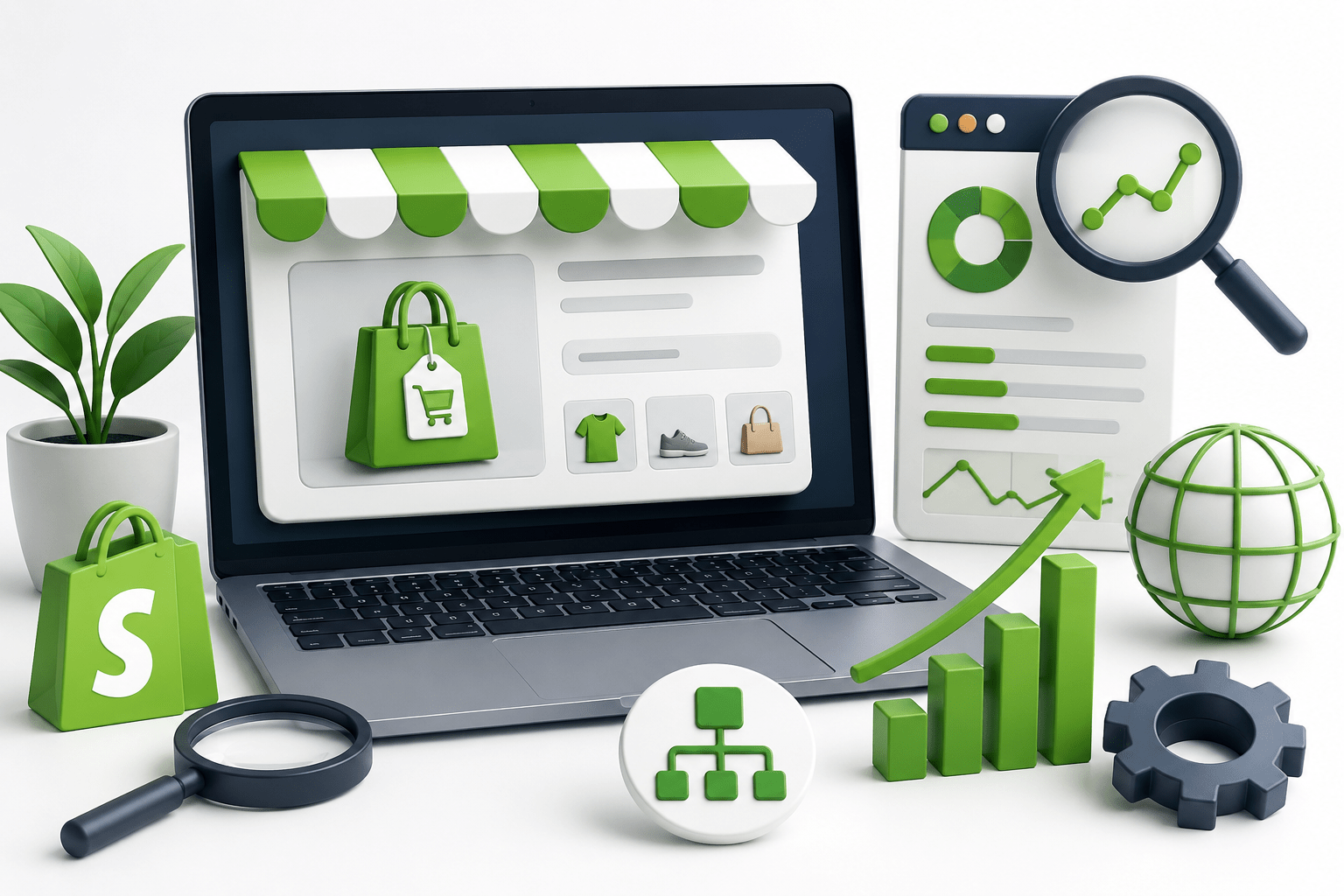
Your eCommerce website won’t get results if you can’t make your store visible on the web. One of the best-designed stores available on Shopify. With SEO, your online business may get your store in the search engine’s results, which allows prospects to find your merchandise, mainly without paying for high-priced advertising. When used properly, using the same keywords, building the site with the same structure, and adding the same content can translate to increased organic traffic, continued customer trust, and, ultimately, sales for your Shopify business. In this blog, we’ll dive into continuous performance monitoring and the essential practices of Shopify keyword optimization, technical SEO, site organization, and content creation for sustainable success.
Understand Shopify SEO Basics
You can make use of several built-in Shopify SEO Services features that remove the difficulty in optimizing an online store. It automatically generates XML sitemaps, includes customizable title tags and meta descriptions, supports mobile-friendly themes, and provides SSL security to improve search engine trust. But store owners must also be aware of its limitations, including constraints on URL structures and limited control over some technical SEO settings. Understanding the pros and cons can guide the development of smart optimization strategies, optimizing the performance of your Shopify store in search engines.
Perform Effective Keyword Research
By performing proper keyword research, you can bring in customers who are willing to buy. Target keywords in demand and with high commercial intent. Use product, category, and informational keywords to optimize product pages, category pages, and blogs. By employing long tail keywords, you can achieve a certain degree of authority over less competitive keywords, while also earning a more targeted audience. Your Shopify store will stay relevant and competitive in search engine results by keeping up to date with search trends, taking the necessary steps, and adapting your keyword strategy.
Optimize Product Pages
- Write clear, keyword-rich product titles that accurately describe the product while naturally including your primary target keyword.
- Create unique product descriptions that highlight features, benefits, and specifications instead of copying manufacturer content.
- Optimize meta titles by keeping them concise, keyword-focused, and compelling to improve click-through rates in search results.
- Write engaging meta descriptions that summarize the product and encourage users to visit your Shopify store.
- Add descriptive image alt text using relevant keywords to improve accessibility and help search engines understand your product images.
- Use short, SEO-friendly product URLs that include the primary keyword and avoid unnecessary words, numbers, or special characters.
- Include relevant internal links to related products or collections to improve navigation and distribute SEO value across your store.
- Display customer reviews and ratings where possible to build trust and increase the likelihood of higher search visibility.
Create a Logical Site Structure
A well-organized site structure helps both visitors and search engines navigate your Shopify store efficiently. Group related products into relevant collections so customers can easily find what they need. Keep the navigation menu simple, clear, and free from unnecessary categories. Strengthen internal linking by connecting related products, collections, and blog posts to improve user experience and distribute SEO value. Ensure important pages are accessible within a few clicks from the homepage to enhance crawlability and boost search performance.
Optimize Collection Pages
Collection pages play an important role in helping customers browse related products while improving search engine visibility. Write unique, informative collection descriptions that explain the products within each category and provide value to shoppers. Naturally incorporate relevant keywords throughout the content without overusing them. Add helpful information such as buying tips, product highlights, or category benefits to make the page more useful. Well-optimized collection pages improve user engagement, support stronger keyword rankings, and increase opportunities for organic traffic.
Improve Website Speed and Performance
- Compress and optimize images before uploading to reduce file sizes without compromising quality. Use modern image formats like WebP where supported.
- Choose a lightweight Shopify theme that is clean, mobile-responsive, and optimized for fast loading to improve both user experience and SEO.
- Minimize unnecessary apps by removing unused or duplicate Shopify apps that add extra scripts and slow down page performance.
- Enable browser caching where applicable so returning visitors can load pages faster by storing static resources on their devices.
- Use lazy loading for images and videos so media loads only when users scroll to that section, improving initial page speed.
- Reduce large JavaScript and CSS files by eliminating unnecessary code and minimizing third-party scripts.
- Limit homepage animations and heavy visual effects that can increase loading times and affect user experience.
- Regularly monitor site performance using tools like Google PageSpeed Insights or GTmetrix to identify and fix speed-related issues.
Make Your Shopify Store Mobile-Friendly
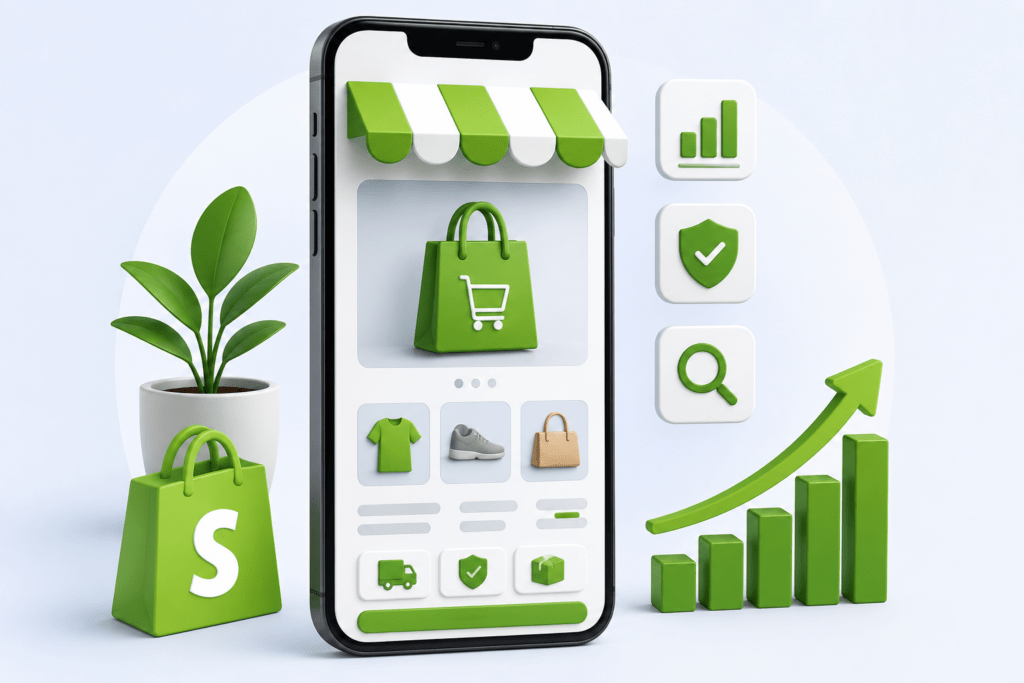
A mobile-friendly Shopify store development provides a smooth shopping experience and supports better search engine rankings. Use a responsive design that automatically adjusts your store’s layout across different screen sizes and devices. Ensure navigation is simple by using clear menus, easy-to-tap buttons, and a streamlined checkout process. Optimize page loading speed for mobile users by compressing images, reducing unnecessary scripts, and minimizing redirects. A fast, user-friendly mobile experience improves customer satisfaction, reduces bounce rates, and increases conversion opportunities.
Optimize Technical SEO
Submit Your XML Sitemap to Google Search Console
- Submit your Shopify XML sitemap to Google Search Console to help search engines discover and index your store pages more efficiently.
- Monitor indexing status regularly and resolve any reported crawl issues.
Manage Robots.txt When Necessary
- Review and edit the robots.txt file only when needed to control which pages search engines can crawl.
- Avoid blocking important pages such as products, collections, and blog posts.
Fix Broken Links and Redirect Outdated URLs
- Regularly check for broken links that can negatively affect user experience and SEO.
- Set up 301 redirects for outdated, deleted, or renamed URLs to preserve link equity and guide visitors to the correct pages.
Avoid Duplicate Content Issues
- Create unique product descriptions, collection content, and metadata instead of using duplicate or manufacturer-provided text.
- Ensure similar pages provide distinct and valuable information for users.
Implement Canonical Tags Correctly
- Use canonical tags to identify the preferred version of duplicate or similar pages.
- Verify that canonical URLs point to the correct page to prevent duplicate content from affecting search rankings.
Create High-Quality Content
Creating valuable content helps your Shopify store development attract more organic traffic and build customer trust. Start a Shopify blog to publish articles that answer common customer questions and address industry trends. Develop informative buying guides that help shoppers compare products and make confident purchasing decisions. Target informational keywords naturally within your content to reach users during the research stage of their buying journey. Consistently publishing helpful, relevant content improves search visibility, strengthens brand authority, and supports long-term SEO growth.
Strengthen Internal Linking
A strong internal linking strategy improves navigation and helps search engines understand your Shopify store’s structure. Link related products to encourage customers to explore similar or complementary items, increasing engagement and potential sales. Connect blog posts with relevant product pages so readers can easily discover featured products while learning more about a topic. Naturally link collections, category pages, and important landing pages throughout your content to distribute SEO value, improve crawlability, and create a seamless browsing experience for visitors.
Build Quality Backlinks
Collaborate with Industry Websites
- Partner with reputable websites in your niche to earn relevant backlinks.
- Contribute valuable resources, case studies, or expert insights that encourage natural links.
Explore Guest Posting Opportunities
- Write high-quality guest articles for authoritative blogs within your industry.
- Include relevant links to your Shopify store or informative blog content where appropriate.
Leverage Digital PR and Influencer Partnerships
- Share newsworthy updates, product launches, or success stories with online publications.
- Collaborate with influencers and content creators who can review or feature your products and link back to your store.
Encourage Mentions from Trusted Sources
- Build relationships with bloggers, industry experts, and online communities.
- Create shareable content, guides, and original resources that naturally attract backlinks.
- Ask satisfied customers, business partners, or affiliates to mention and link to your Shopify store when relevant.
- Focus on earning high-quality, relevant backlinks rather than a large number of low-quality links.
Monitor SEO Performance
Monitoring SEO performance helps you understand what is working and where improvements are needed. Regularly track keyword rankings, organic traffic, and user behavior to measure the effectiveness of your Shopify SEO strategy. Use Google Search Console to monitor indexing, search performance, crawl errors, and keyword visibility, while Google Analytics provides insights into visitor behavior, conversions, and traffic sources. Identify pages with declining rankings, low engagement, or high bounce rates, and optimize them with updated content, improved keywords, and better user experience. Consistently reviewing performance data allows you to refine your SEO efforts, maintain strong rankings, and achieve sustainable long-term growth.
Common Shopify SEO Mistakes to Avoid
- Using duplicate product descriptions instead of writing unique, original content for each product page.
- Leaving meta titles and meta descriptions blank or using the same metadata across multiple pages.
- Ignoring image optimization, such as uploading large image files and missing descriptive alt text.
- Creating poor URL structures with unnecessary words, numbers, or confusing page names.
- Publishing thin content on collection pages that provides little value to users or search engines.
- Overusing keywords (keyword stuffing), which makes content difficult to read and can negatively affect search rankings.
- Failing to update outdated content, causing information to become less relevant over time.
- Neglecting internal linking, making it harder for users and search engines to discover important pages.
- Installing too many Shopify apps, which can slow down website performance and impact SEO.
- Not monitoring SEO performance regularly, leading to missed opportunities to improve rankings and organic traffic.
Conclusion
Building an SEO-friendly Shopify store requires a combination of strategic planning, technical optimization, and valuable content. From conducting keyword research and optimizing product and collection pages to improving site speed, mobile usability, internal linking, and technical SEO, every step contributes to stronger search performance. Consistently creating high-quality content and earning authoritative backlinks further strengthens your store’s online visibility. SEO is not a one-time task but an ongoing process that requires regular monitoring, updates, and improvements based on performance data. By following these best practices consistently, you can increase organic traffic, improve search rankings, attract qualified customers, and achieve sustainable long-term business growth.
FAQs
Is Shopify good for SEO?
Yes, Shopify is an SEO-friendly eCommerce platform with built-in features such as customizable title tags, meta descriptions, XML sitemaps, SSL security, and mobile-responsive themes. While it has some technical limitations, following SEO best practices can help your store achieve strong search engine rankings.
How can I improve SEO on my Shopify store?
You can improve Shopify SEO by conducting keyword research, optimizing product and collection pages, creating high-quality content, improving website speed, using descriptive image alt text, strengthening internal linking, building quality backlinks, and monitoring performance through Google Search Console and Google Analytics.
What are the most important Shopify SEO ranking factors?
The most important ranking factors include high-quality content, relevant keyword optimization, fast page loading speed, mobile-friendly design, technical SEO, strong internal linking, quality backlinks, secure HTTPS, and a well-organized site structure that enhances user experience.
How often should I update my Shopify store for SEO?
Review and update your Shopify store regularly, ideally every month. Refresh product descriptions, blog content, keywords, metadata, and technical SEO elements based on performance data, search trends, and customer behavior to maintain strong search visibility.
Does Shopify automatically generate an XML sitemap?
Yes, Shopify automatically generates an XML sitemap for your store. You can submit this sitemap to Google Search Console to help search engines discover, crawl, and index your website pages more efficiently.